
Tesla Paint Shop Guides
From reference photos and original design ideas to vehicle templates, PNG exports and Paint Shop troubleshooting.
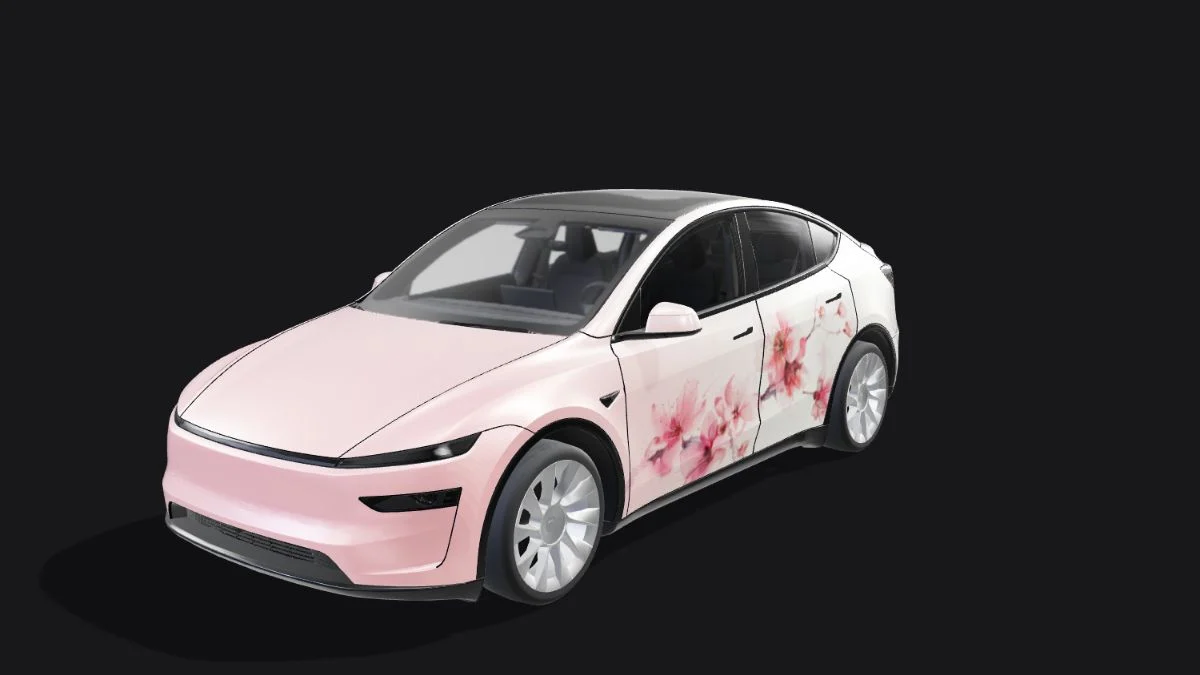
Photo to Tesla Wrap: Prepare a Reference and Check the Result
Turn a reference photo into a digital Tesla wrap: choose usable artwork, describe the panel layout, compare AI and manual placement, and review the exported PNG.
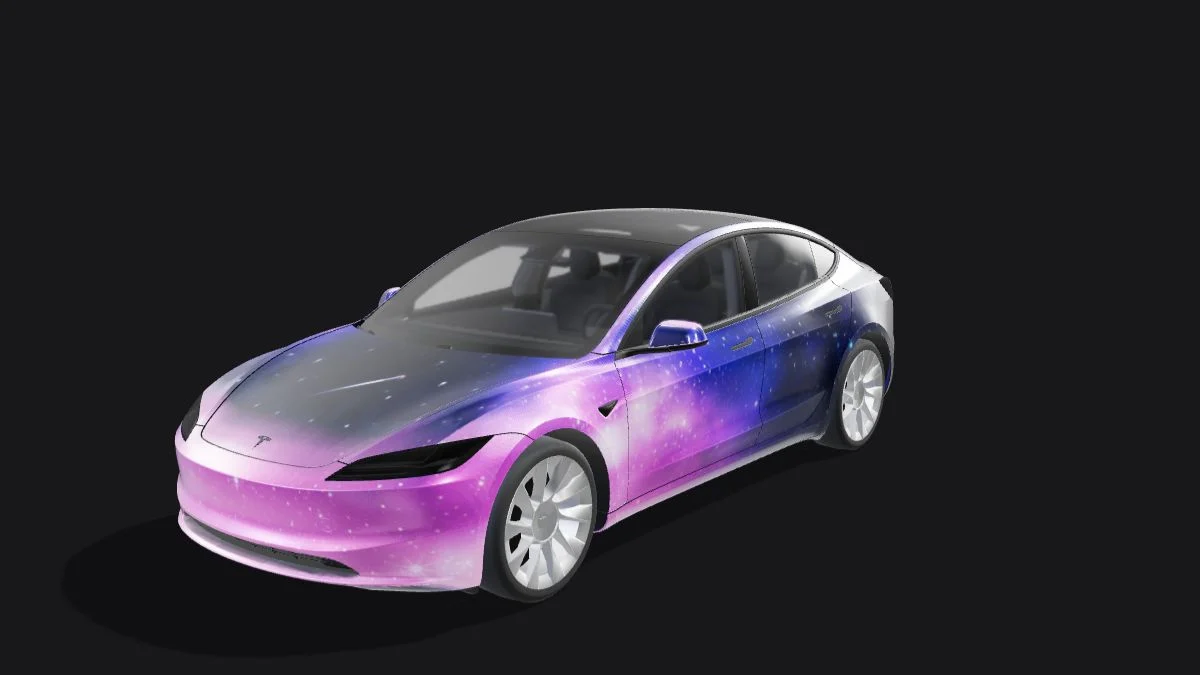
Tesla Wrap Design Ideas: Six Styles for Paint Shop
Plan an original digital Tesla wrap with six practical styles: two-tone, racing stripes, topographic lines, geometric blocks, botanical motifs and night-sky patterns.
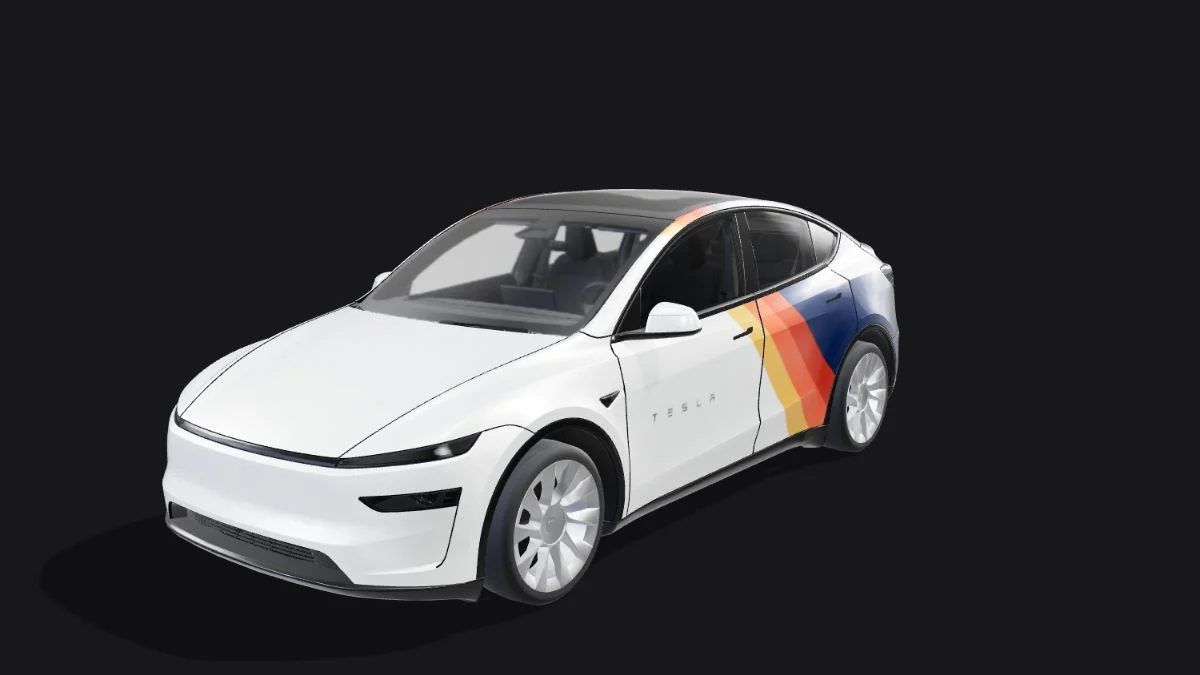
Model Y Juniper Wrap Template: Match the Exact Variant
Choose between legacy Model Y, 2025+ Standard, Premium, Performance and Model Y L Paint Shop templates, and diagnose a design that loads but maps incorrectly.
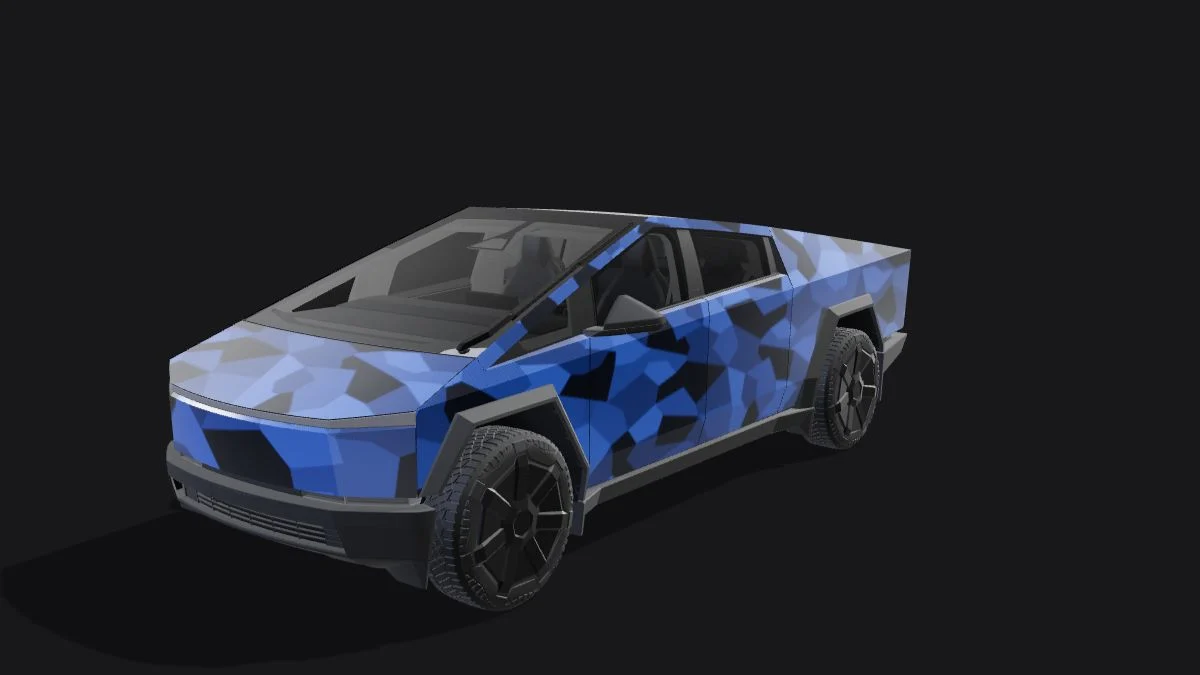
Cybertruck Wrap Template: Keep the 1024 × 768 Layout
Design a digital Cybertruck wrap without stretching its template into a square. Plan broad shapes, check panel orientation and export a correctly proportioned PNG.
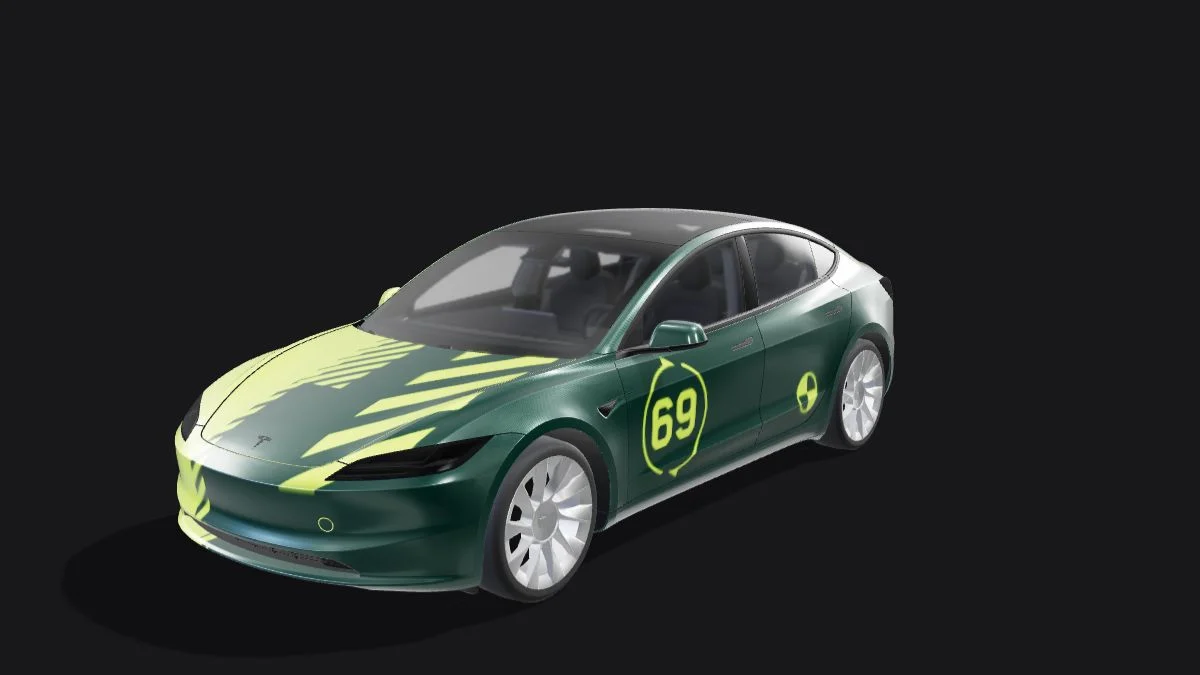
Tesla Wrap Transparent PNG: Fix a Solid Background
Distinguish an alpha channel from a checkerboard baked into your image. Preserve white artwork, mask unused UV areas and verify the exported Tesla wrap PNG.
Compress a Tesla Wrap PNG Under 1 MB Without Shifting Panels
Reduce a Tesla Paint Shop PNG by optimizing encoding, simplifying noise, limiting colors or resizing proportionally. Check gradients, text and alpha after each step.
How to Upload a Tesla Wrap: Mobile App & USB
Upload a Tesla custom wrap PNG through Creations or a USB Wraps folder, then apply it in Paint Shop. Check the file rules and vehicle prerequisites.
Tesla Wrap Templates: Choose the Right UV Layout
Choose a Tesla Paint Shop template by model, year and trim. Understand body-panel UV layouts before editing your wrap PNG.
Tesla Wrap PNG Requirements: Size, Format & Filename
Check Tesla Paint Shop PNG format, resolution, the 1 MB limit, filename rules and file counts before uploading your digital wrap.
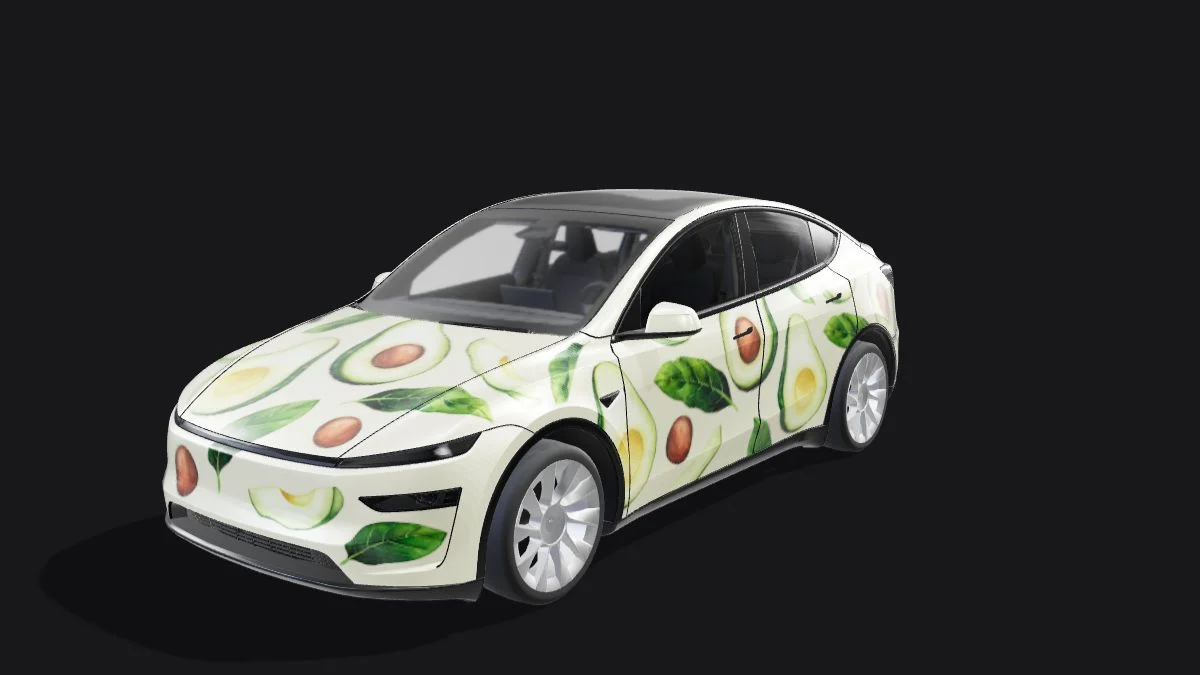
Tesla Wrap Not Showing Up? Paint Shop Troubleshooting
Diagnose a missing Tesla custom wrap: check the menu, PNG file, USB Wraps folder, supported drive format, file count and exact vehicle template.
Digital Tesla Wrap vs Vinyl Wrap: What Changes?
Understand Tesla avatar wraps and Paint Shop PNGs versus physical vinyl wraps. Compare the result, installation, vehicle access and browser preview limits.